Changelog #3: A new app, posts on the web and mix tracklists
Our biggest app update yet, with new tabs, Explore your way, posts, event chats and share cards. Plus posting on the web, tracklists for mixes and waveforms you can play from.
 By Rigside Crew ·
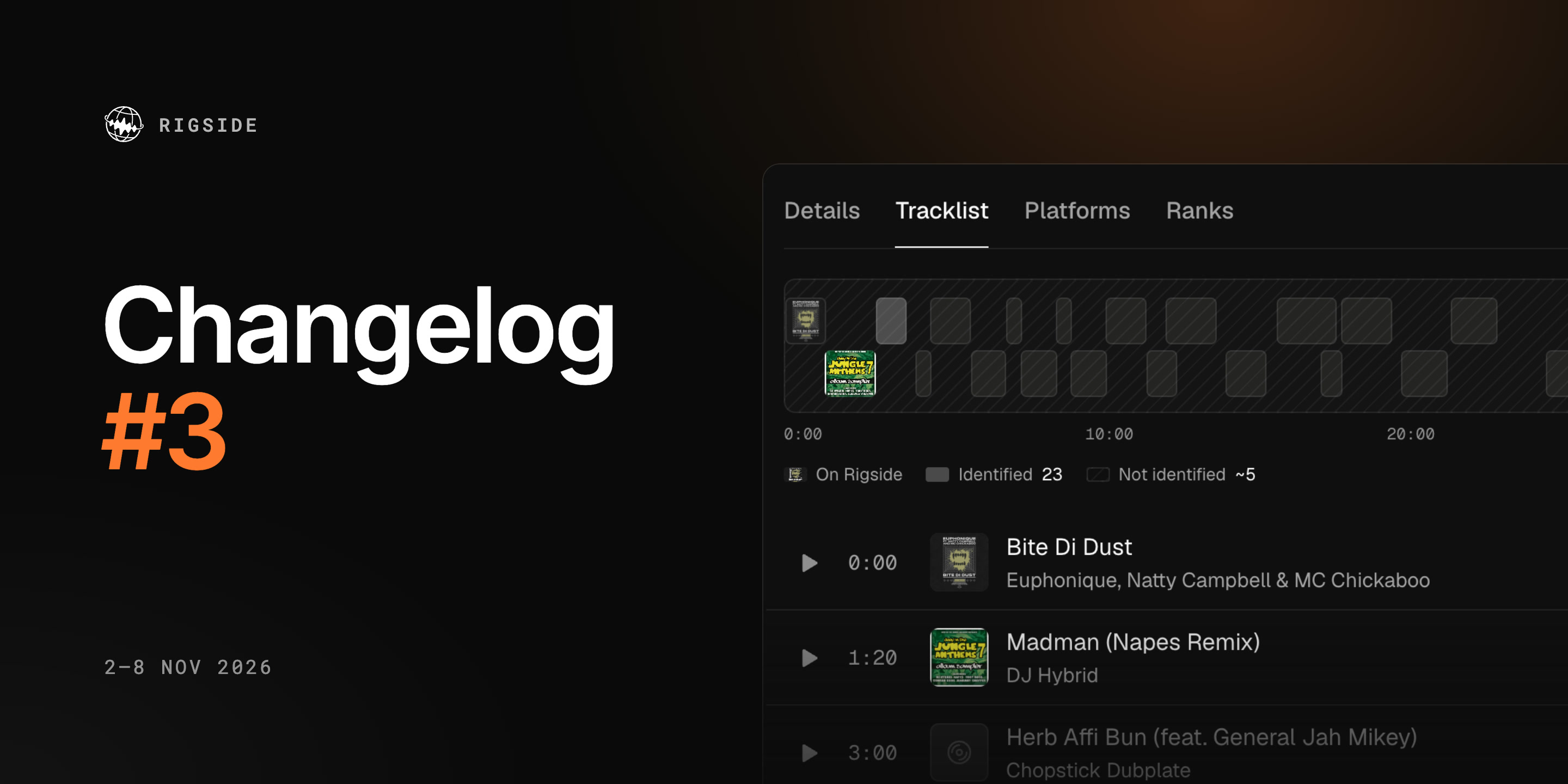
This week brought our biggest app update yet: new tabs, a new way to explore, posts, event chats, share cards and a fresh look almost everywhere. On the web you can now post too, and mixes get tracklists and waveforms you can play from.
The biggest app update yet
The new version of the Rigside app came out on 5 November. Here's what's changed.
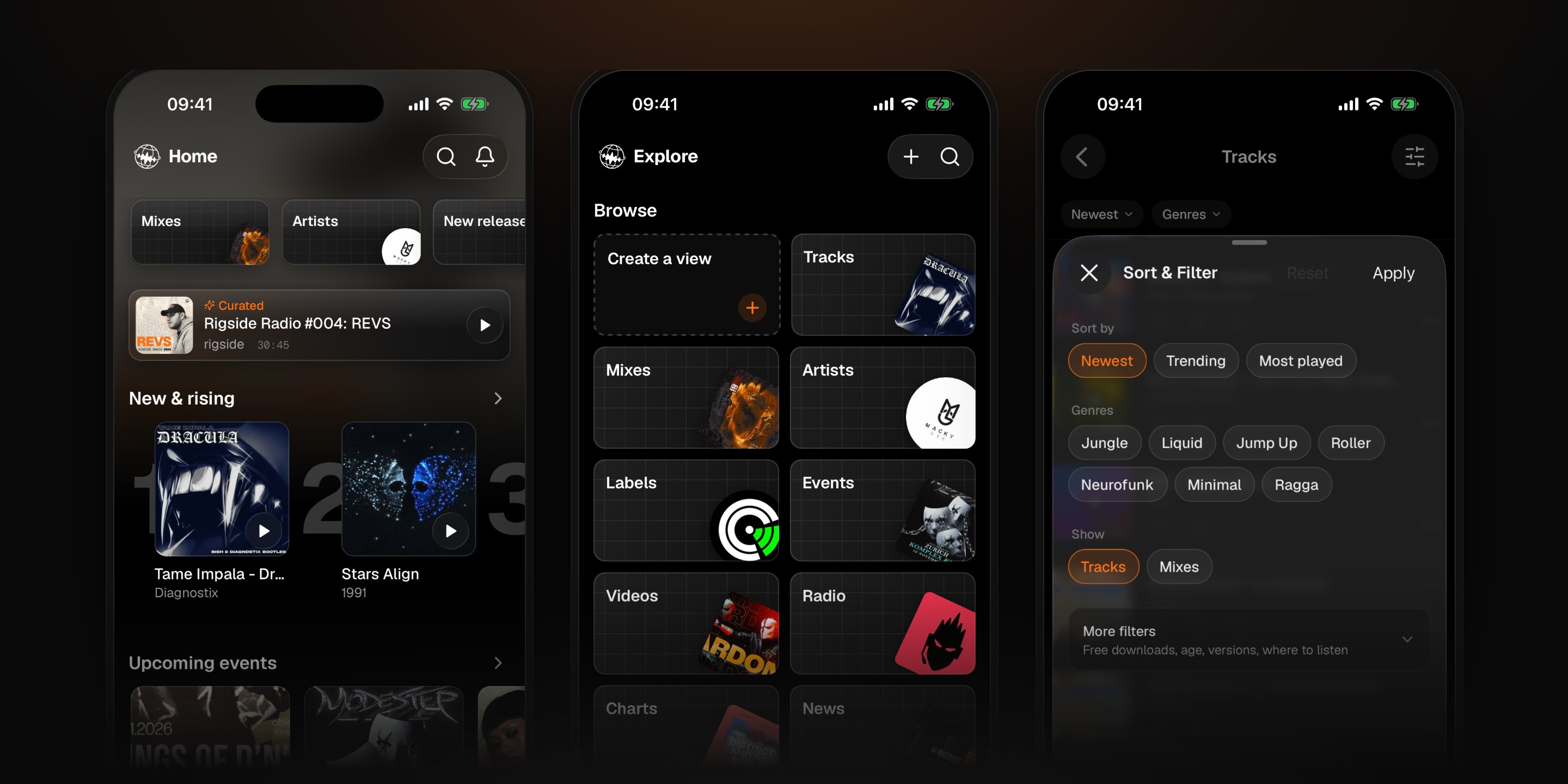
Five tabs. The app is now Home, Explore, Feed, Events and You. Home opens with a Browse strip across the top (Mixes, Artists, New releases and every genre), then a Curated pick, what's new and rising, new music from artists you follow and what's on air right now. Follow nobody yet? It suggests trending artists to start with.
Explore your way. Explore is now search and browse. Tiles take you to Tracks, Mixes, Artists, Labels, Charts and News, to genres, Remixes, Bootlegs and Classics, and to finds for DJs: New releases, Free tracks, On Beatport, VIPs & dubs and Packs. Rising and Surging tags show new tracks taking off.
Sort and filter any list, then save it as your own view. It sits at the top of Explore, one tap away. Create a view walks you through it in three steps: what, which genres, and in what order.
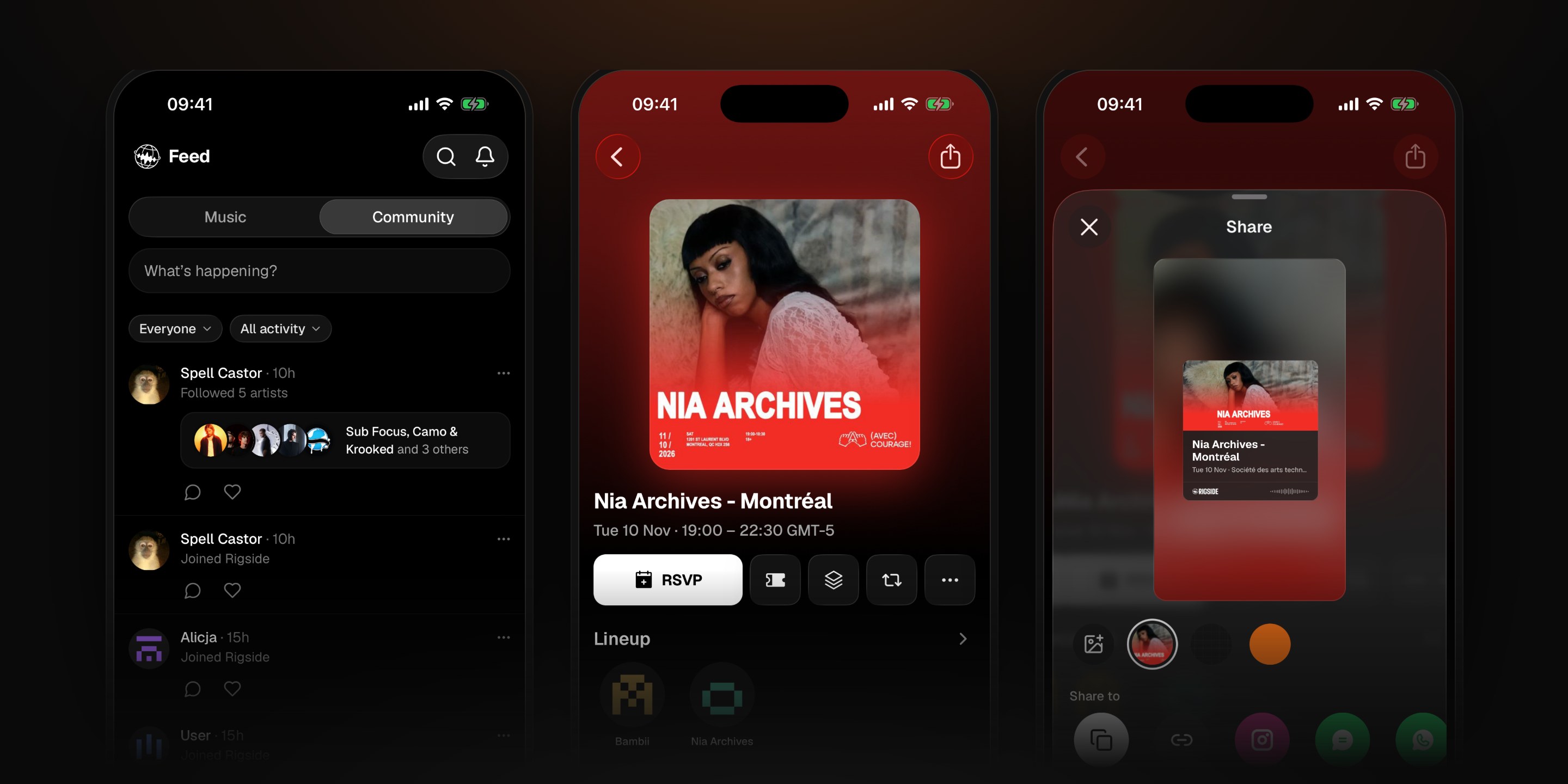
Feed: Music and Community. The Feed has two sides. Music is the timeline of new tracks, videos and news. Community is what people are doing: posts, replies, saves, events and vinyl, from everyone or just the people you follow.
Post, repost and reply. Write a post with photos, or attach a track, an event or an artist, and post as yourself or as an artist or label you run. Repost anything with one tap, or Quote it with your own words. Every track, video and article page now ends with a Discussion, and you're notified when someone replies to you or likes your reply.
Share cards. Every Share button opens the same sheet. Build a story card first: pick your own photo, the blurred artwork, a grid or orange behind it, and choose whether to show the stats. Then send it straight to a chat, Instagram, WhatsApp or X, or copy the image.
Events and event chats. Event pages are rebuilt as one scroll: Lineup, Location, the Event playlist, More at this venue and Activity. Export the lineup as a SoundCloud playlist from a single sheet. Going to a night? Join its group chat straight from your RSVP and talk to everyone else who's going.
Profiles and You. Profiles have a compact header, so what people have posted and saved starts higher, and new Crates and Vinyl tabs. Crates now sit on a shelf of covers, like your vinyl. You can message anyone from their profile. The You tab is reorganised into your profile, Library and Preferences, with SoundCloud and Discogs under Settings, Integrations.
Videos and radio. Videos have one page: press play, keep browsing, and the video carries on in the mini player. The radio schedule shows times in your own time zone, and shows that clash share one block instead of overlapping.
And everywhere else. Pages load with outlines of what's coming instead of spinners, track and artist pages lead with the numbers that matter, and messages, menus and settings all match. On Android, the app looks and behaves much more like it does on iPhone.
Shared event and video links now open in the app on iPhone. Get it or update it from the app page, which is new this week too.
Posts on the web
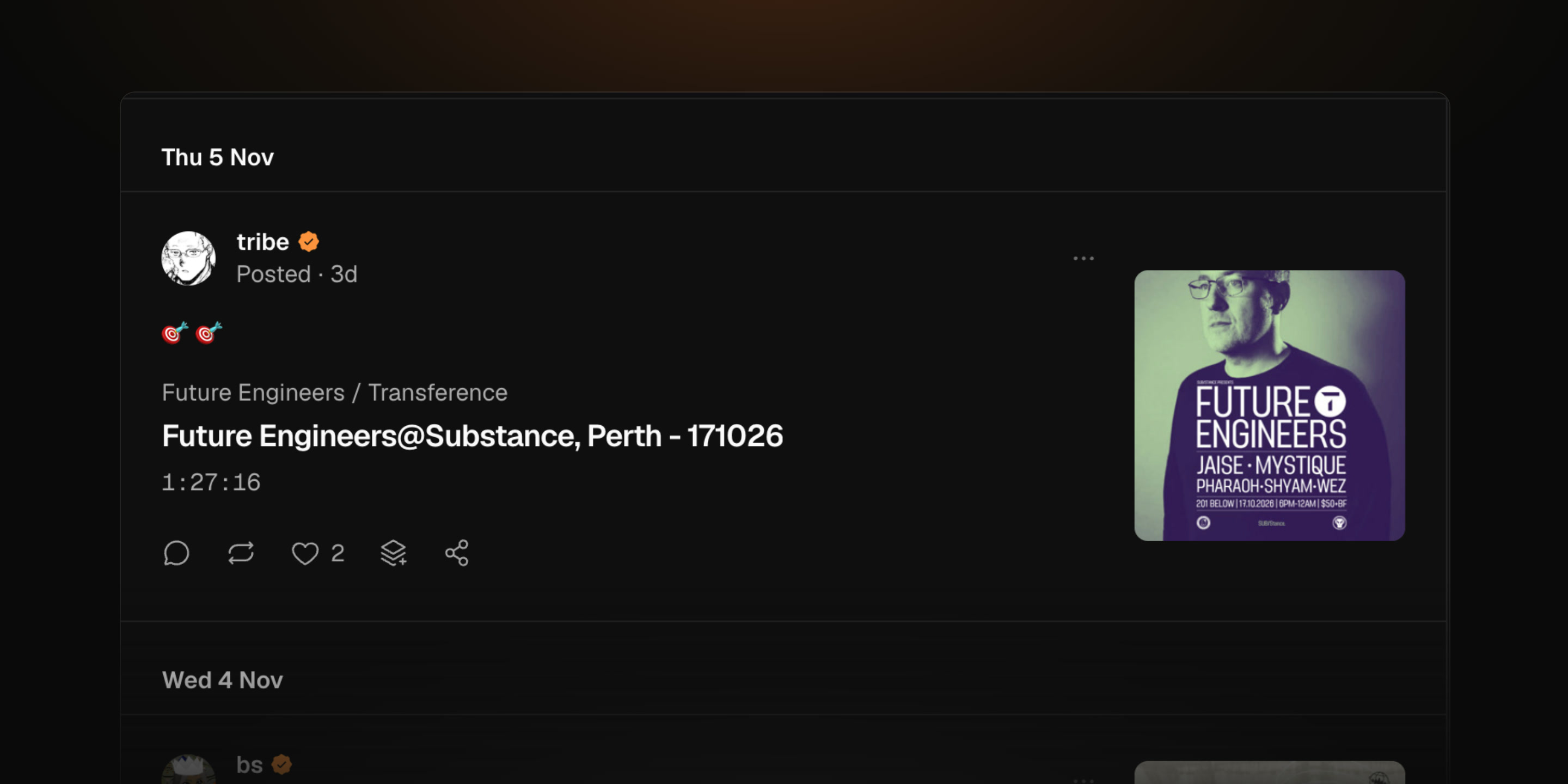
Everything you can post in the app, you can now post on the web. Write a post from the top of Activity, your profile or the account menu. Add up to four pictures, or attach a track, an event, an artist or a crate, and post as yourself or as an artist you run.
Repost and Quote are on every card in the feed and on track, event, artist, video and article pages. A repost turns orange, and you can undo it straight away.
Promoters can post updates on their event's Activity, as the artist by default, and pin the important ones above the conversation.
Tracklists for mixes
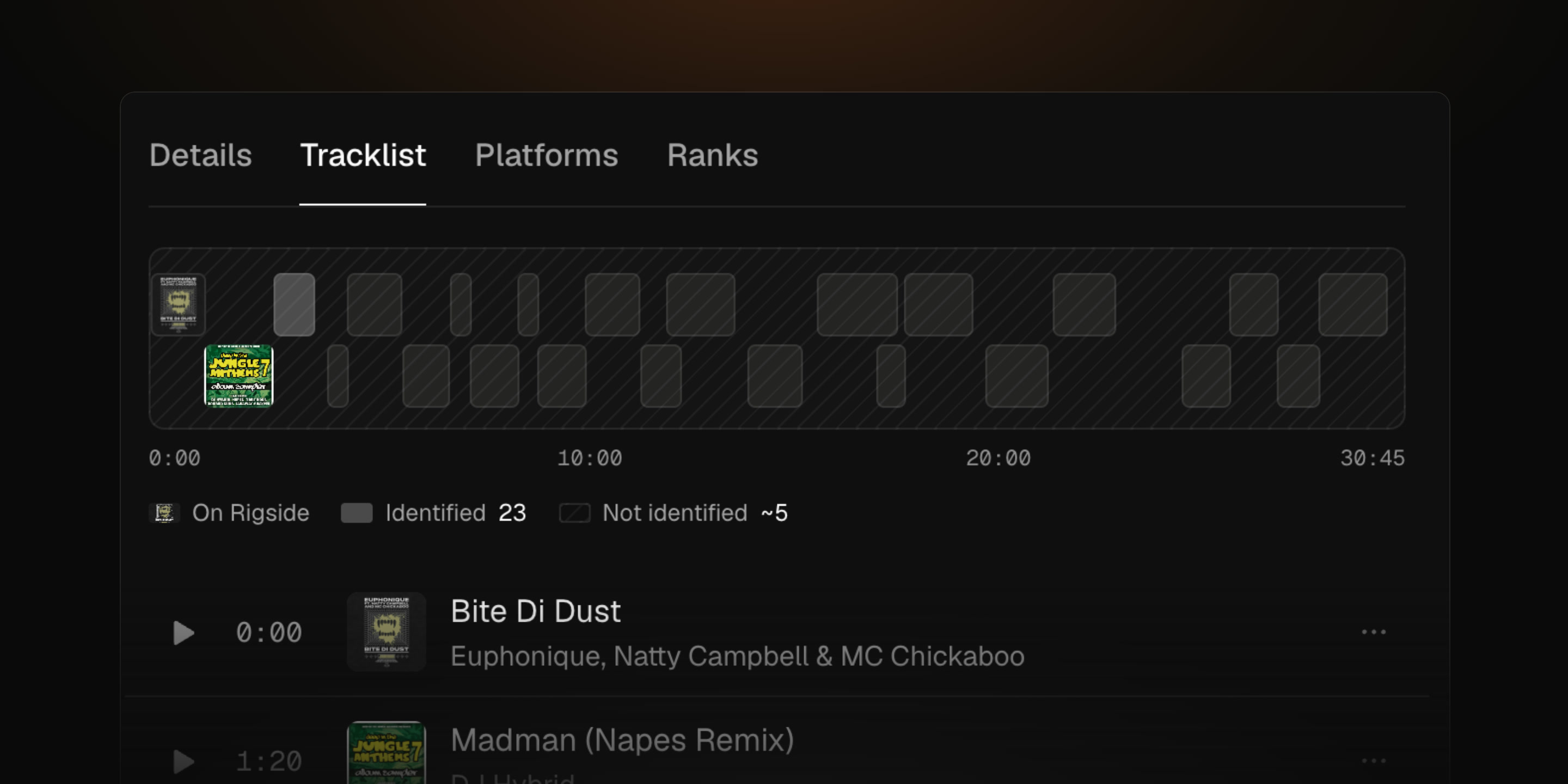
Rigside Radio mixes now have a Tracklist tab. A map shows the whole mix end to end, with a bar for each track we've identified and covers on the ones that are on Rigside. Press play on any row to jump to that track in the mix, or save it to a crate. Sign in to see the full list, as on Rigside Radio #004: REVS, with 23 tracks identified.
Waveforms
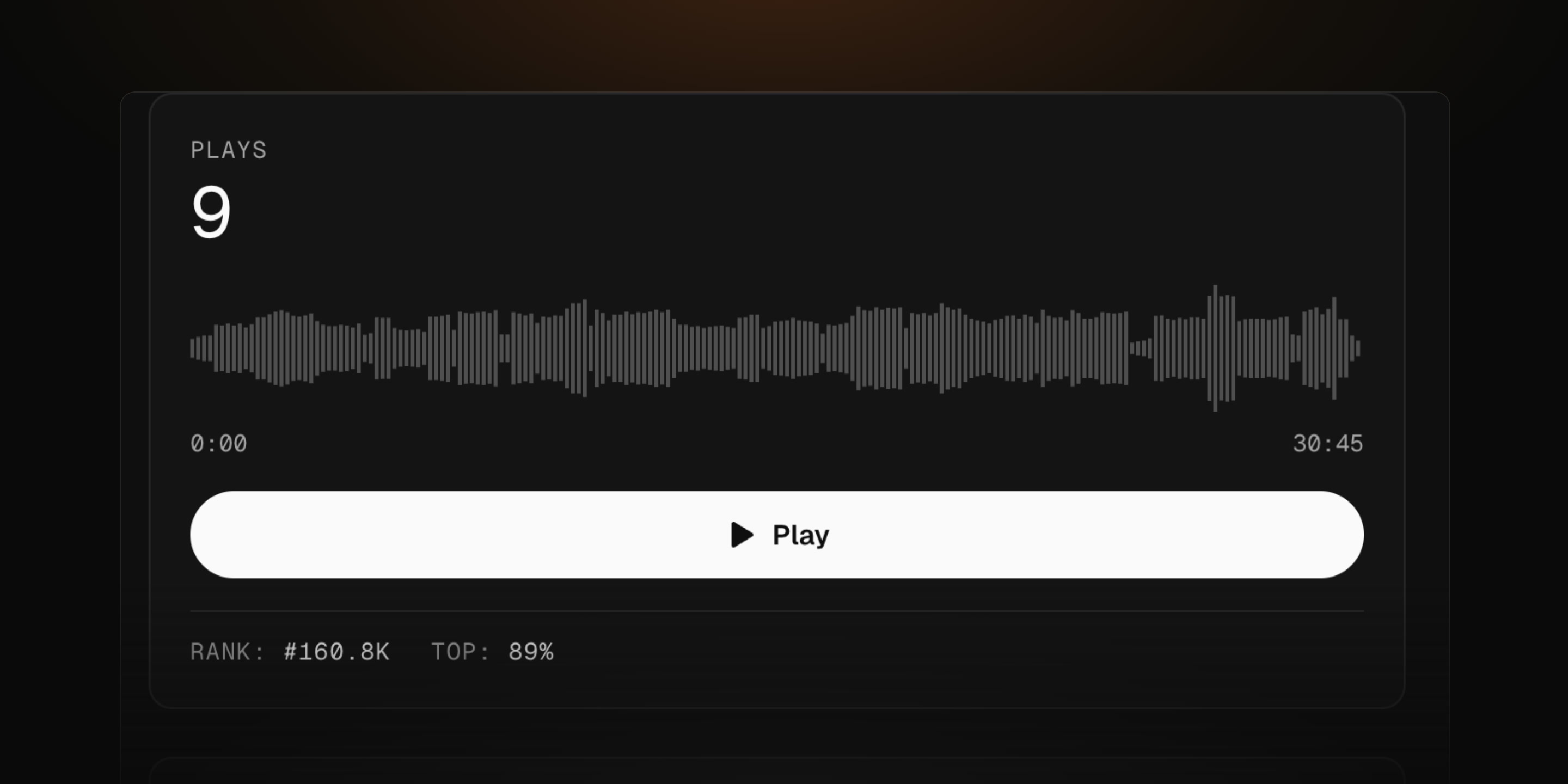
Mixes we host show their waveform on the track page. Press or drag anywhere on it to play from that point. The waveform also follows you into the player at the bottom of the screen, for full tracks and previews.
For artists
Artists who have claimed their page can now change their picture and location from the artist console, on the web and in the app. The new picture shows on the artist page, the link page and share cards.
Improvements and fixes
- Sharing Links to tracks, artists, events and more get a cleaner preview card, built around the artwork, so it isn't cut off in Slack or Reddit
- Explore Back takes you to where you left off, even while the page is still loading
- Crates Long crate names wrap on phones instead of being cut off
- Link pages Fixed an error that stopped some link pages from loading